Appearance
Creating A Gem Setup
Hit Ctrl+Alt+S to open the settings and click Gems on the left - you should see something like this:
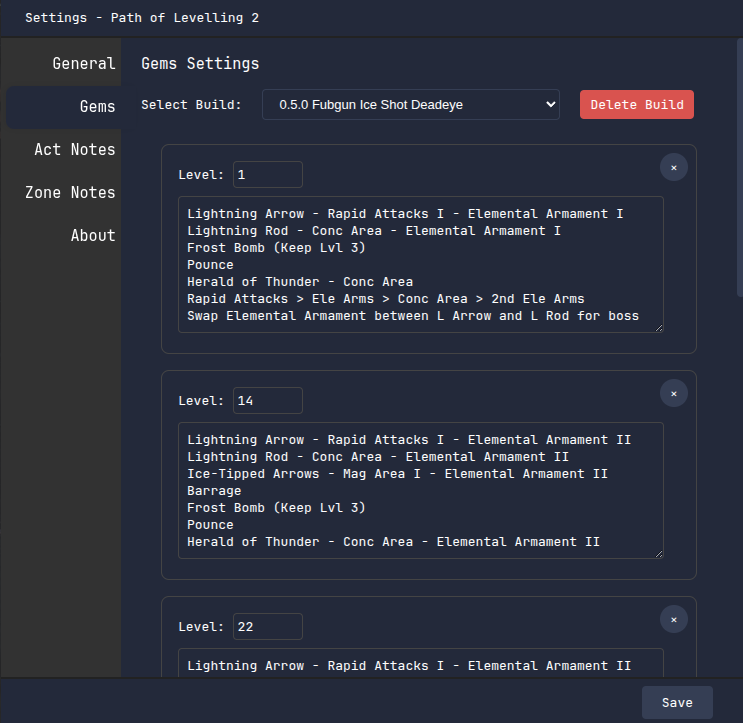
In each box you can adjust the player level that the Gem Setup window will automatically switch to display that setup, and you can customise the setups to whatever you need! If you're following a build guide, you can usually copy the guide 1-to-1 by just copying the levels and gems directly from the guide.
Up the top is a dropdown that lets you select from a few built-in builds:
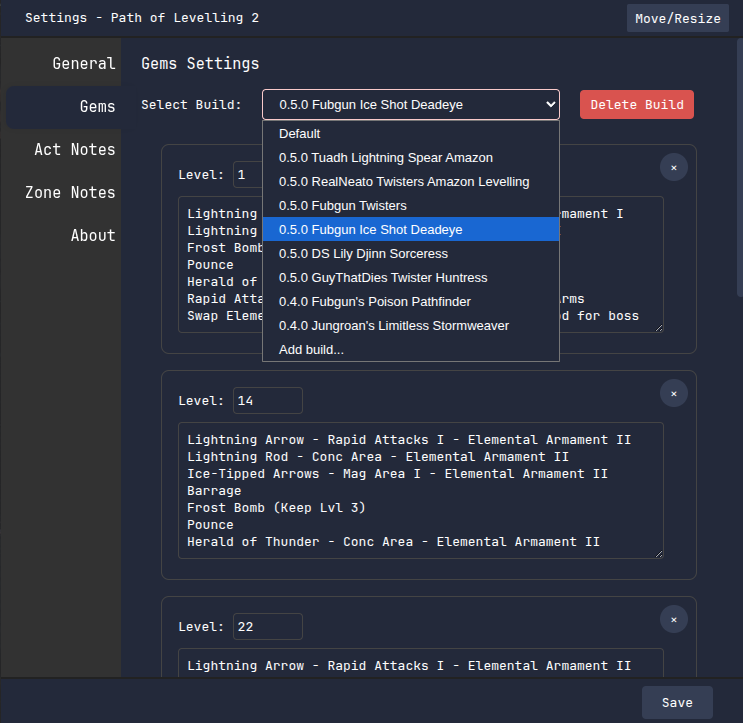
Hit 'Add build...' and give a name for your build to create your own!
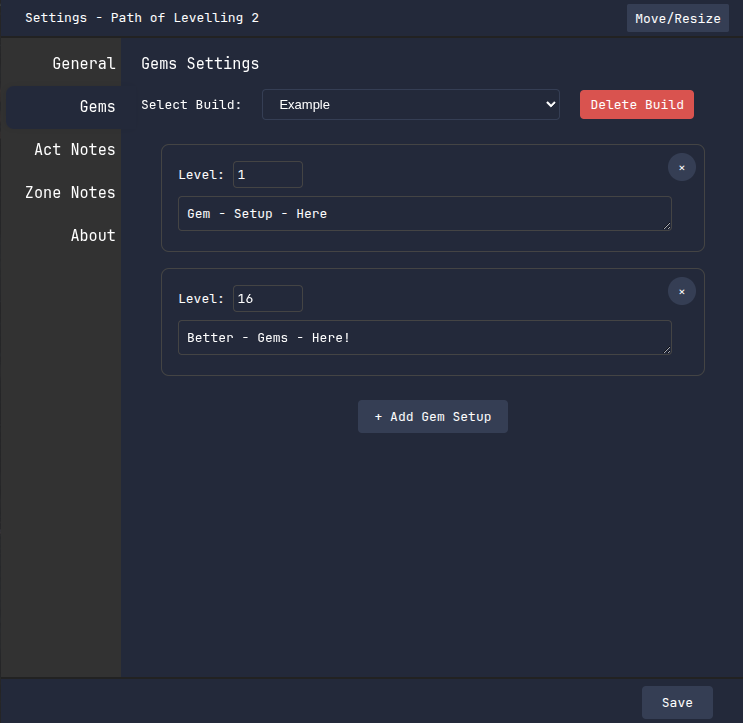
On every build you can add and remove new gem setups, adjust the level that each setup will display, and type in whatever gem setup you need. The Gem Setups window will automatically switch between setups to match your level as you level up!